1

Secure wipe

All donated laptops have their data securely wiped as the first stage of the process. If the laptop includes a SATA hard disk or solid state disk (SSD), the ATA Secure Erase command is sent to the disk, completing a highly secure erase of all data according to the manufacturer's best practice.

In the rare circumstances where the disk can't be wiped by software, the drive is physically damaged beyond repair by drilling several holes through the unit.
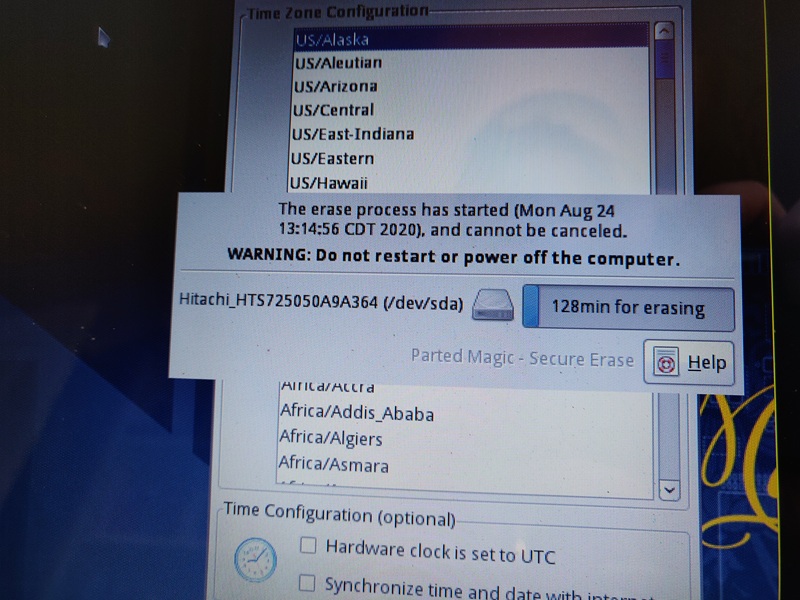
Securely wiping a hard disk drive
2

Hardware checks & upgrades

Once the data has been securely wiped, the laptop is thoroughly checked for hardware defects. The battery, keyboard, USB ports, screen and webcam are all tested, and repairs carried out where they're required and affordable.

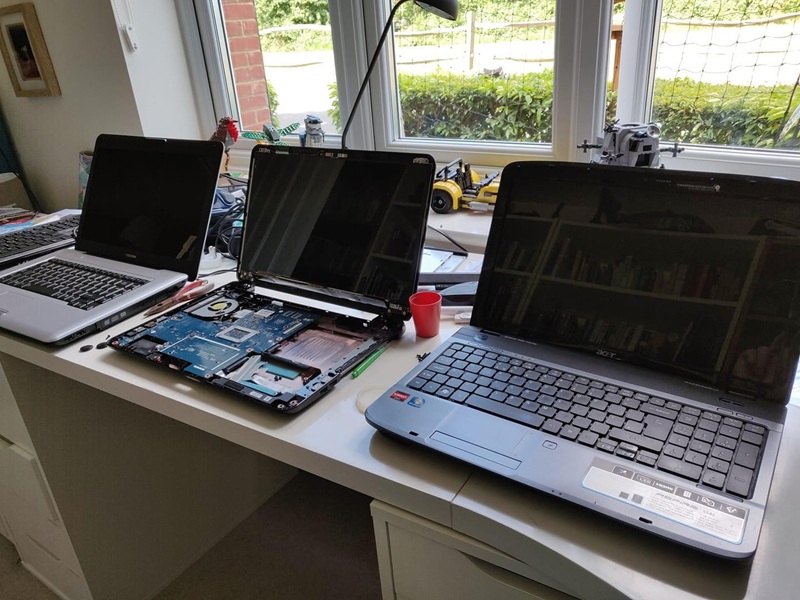
Laptops then have their memory (RAM) increased to a minimum of 8 GB, and a solid state disk (SSD) is installed to replace any traditional hard disk. Any replaced parts are recycled according to WEEE standards.

Carrying out hardware upgrades on a laptop
3

Operating system

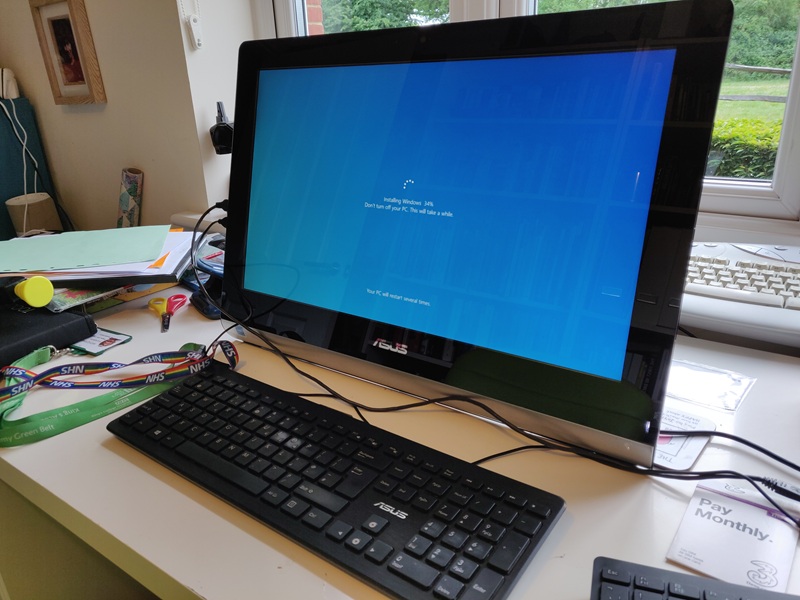
Next, a fresh operating system is installed. If the laptop supports it, Microsoft Windows 11 is the default OS used. Older laptops have Google ChromeOS Flex installed instead.

Laptops always have their drivers fully updated and installed, so the new owner can pick them up and use them straight away — no setup hassle.

Installing the operating system on a refurbished laptop
4

Cleaning

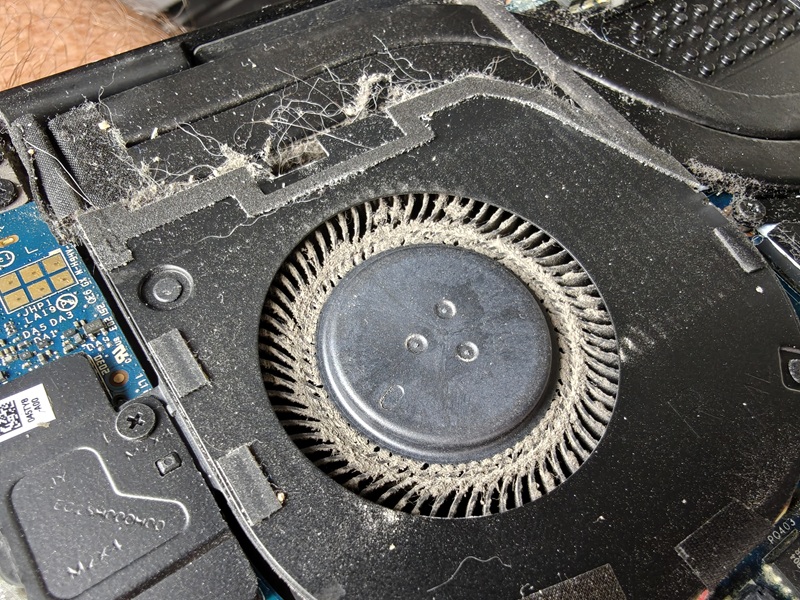
Finally, the laptop is thoroughly cleaned ready for its new owner. Dust is blasted out using compressed air to make sure the laptop can cool itself adequately, and the chassis is hygienically cleaned using anti-bacterial and antiviral wipes.

To complete the process, the laptop's details are logged and it's stored ready for donation.

Cleaning a refurbished laptop before donation

Get involved

Got a laptop you no longer need?

Drop it at Horley Library — no need to phone ahead — or get in touch about larger donations.